
Agent running on MikroTik
NetView joins the network through software installed on MikroTik. This is the product's core operating point.
- MikroTik-based deployment
- Deployment without disrupting the network
- Agent/probe-style operation
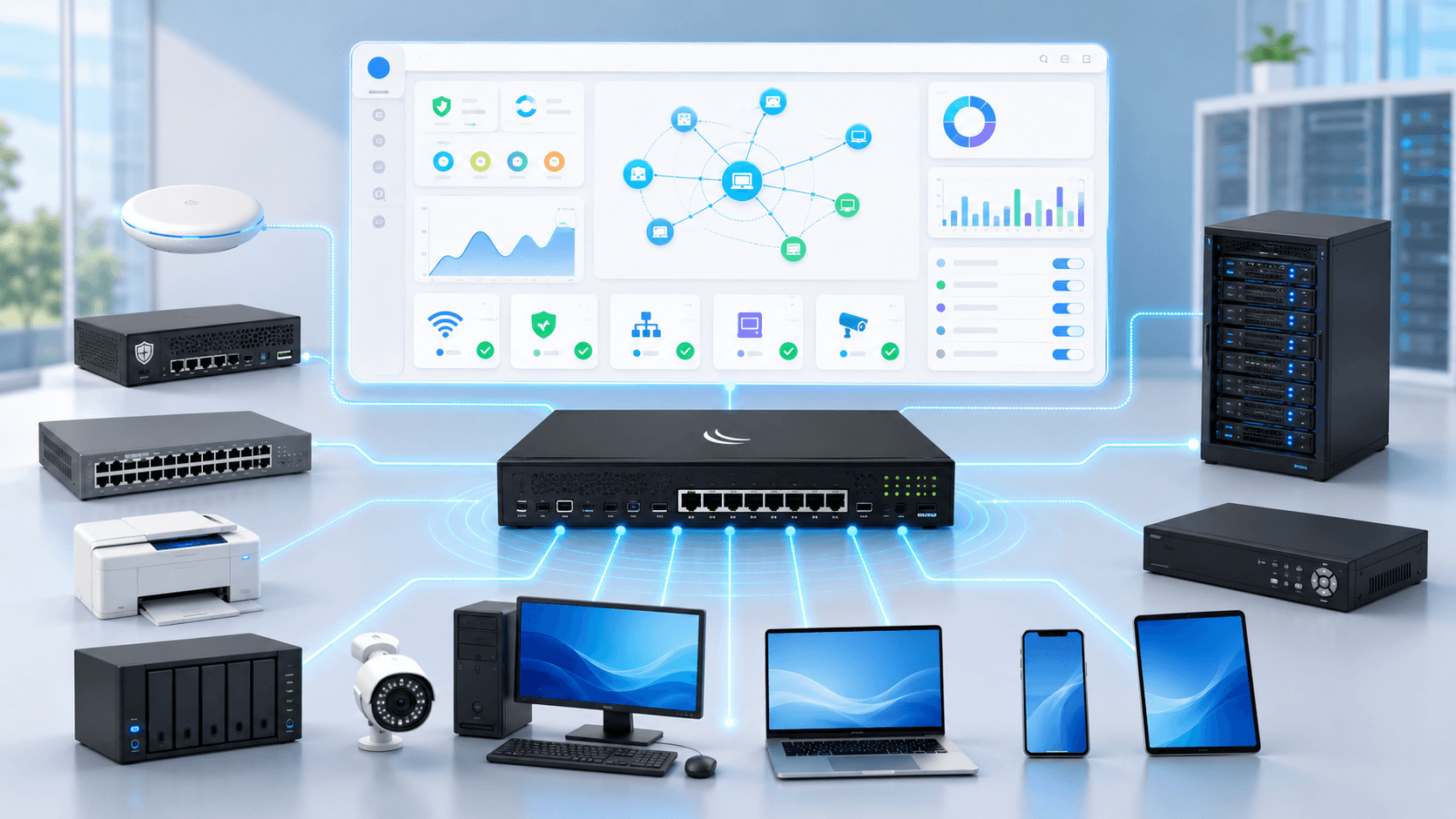
See the invisible — get notified before a problem occurs. HCX NetView automatically discovers every device on your network — switches, firewalls, access points, servers, IP cameras, and printers — tracks their online/offline status in real time, and sends email and Telegram alerts when critical thresholds are crossed, all through a MikroTik-based agent that runs without disrupting your network or opening any ports.
Devices you can manage
Features
The key to NetView is the deployment model: it is installed on MikroTik, joins the network like an agent, and discovers devices automatically.
NetView joins the network through software installed on MikroTik. This is the product's core operating point.
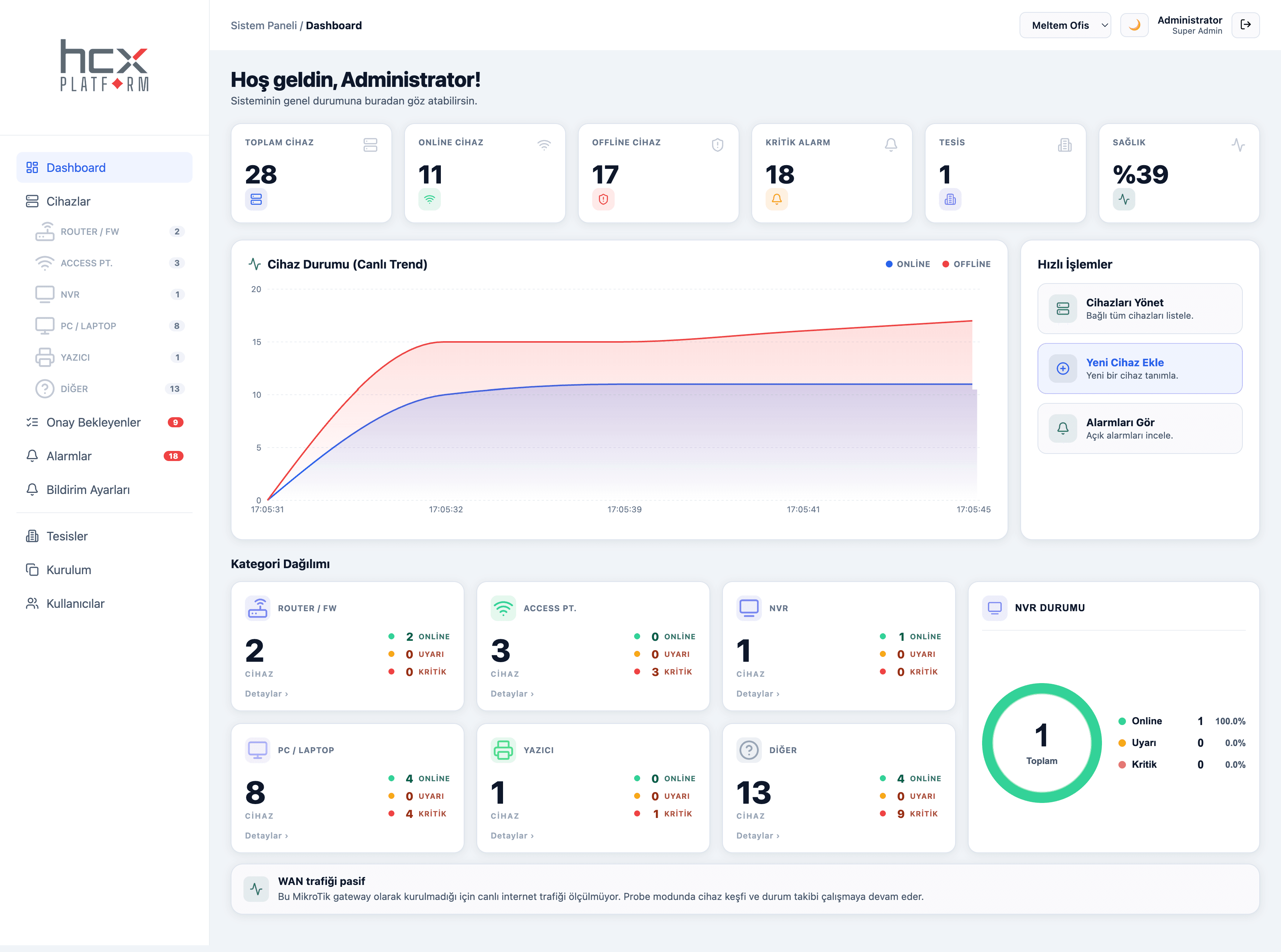
After deployment, it scans the network and makes routers, access points, NVRs, computers, printers, and other devices visible.
It monitors device status in real time and helps teams notice offline, warning, and critical states quickly.
It makes it easier to track device status from one management screen across multiple properties or locations.
The NetView agent is installed on MikroTik and joins the network without disrupting the existing infrastructure.
Devices such as switches, firewalls, access points, servers, IP cameras, and printers are automatically discovered and categorized.
Device online/offline status and network health are monitored in real time.
When a critical threshold is exceeded, instant notifications are sent via email and Telegram.
No. Thanks to Passive Monitoring, the existing network keeps running undisrupted.
No. NetView runs in a secure design without opening ports.
Switches, firewalls, access points, servers, IP cameras, printers, and other network devices can be monitored.
Instant notifications for critical events can be received via email and Telegram.
Yes. Multi-facility management and three distinct permission levels are supported.
Contact our team with any questions, or request a proposal tailored to your business.