Manage Your Business's Digital Communication Hub
The Right Message, at the Right Time, on the Right Screen. Info TV lets hotels, cafes, restaurants, and businesses with shared-area screens manage custom page designs, animation shows, slide designs, menus, meal times, announcements, campaigns, and wayfinding content from one panel. Broadcasts can be planned as daily, weekly, or seasonal loops.
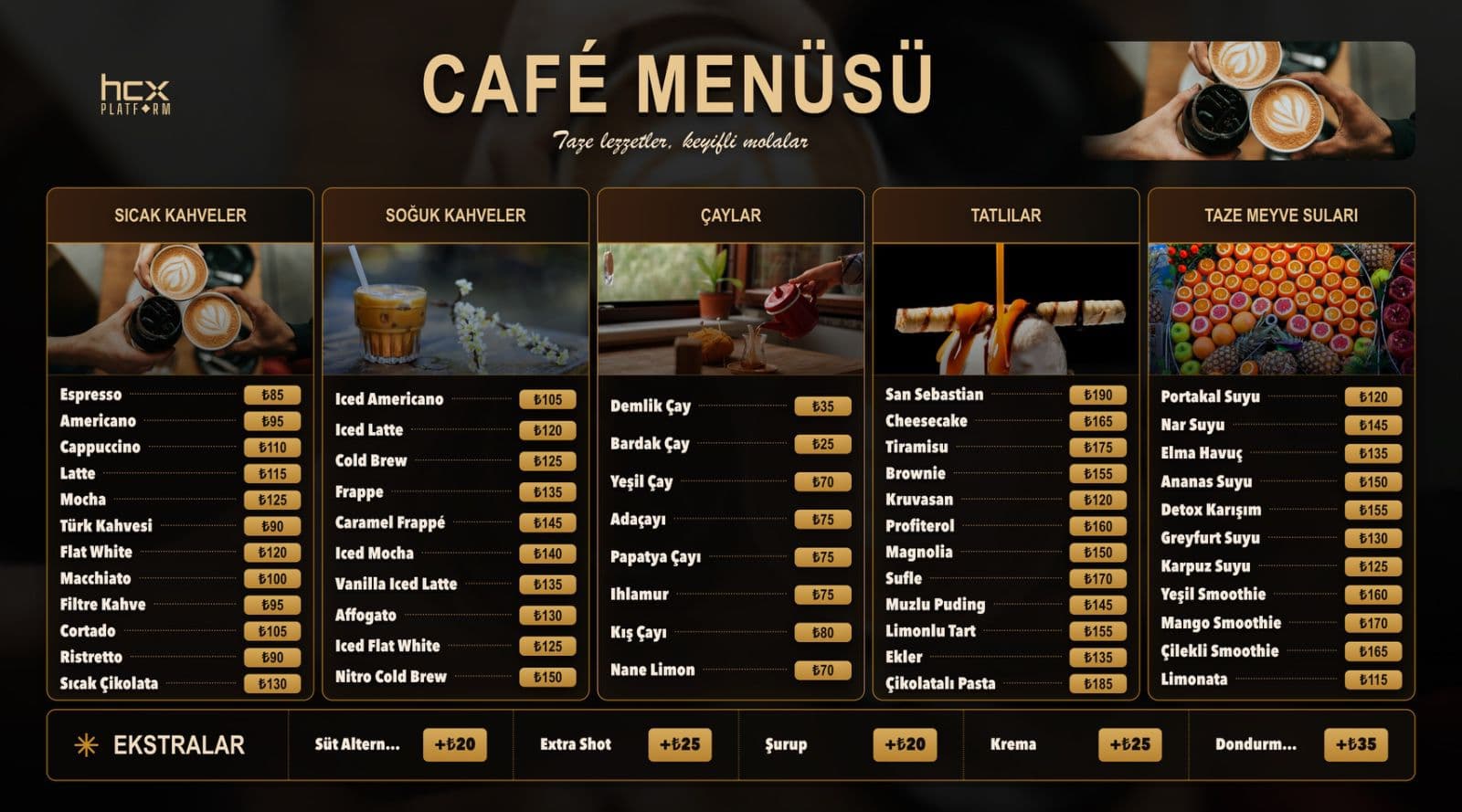
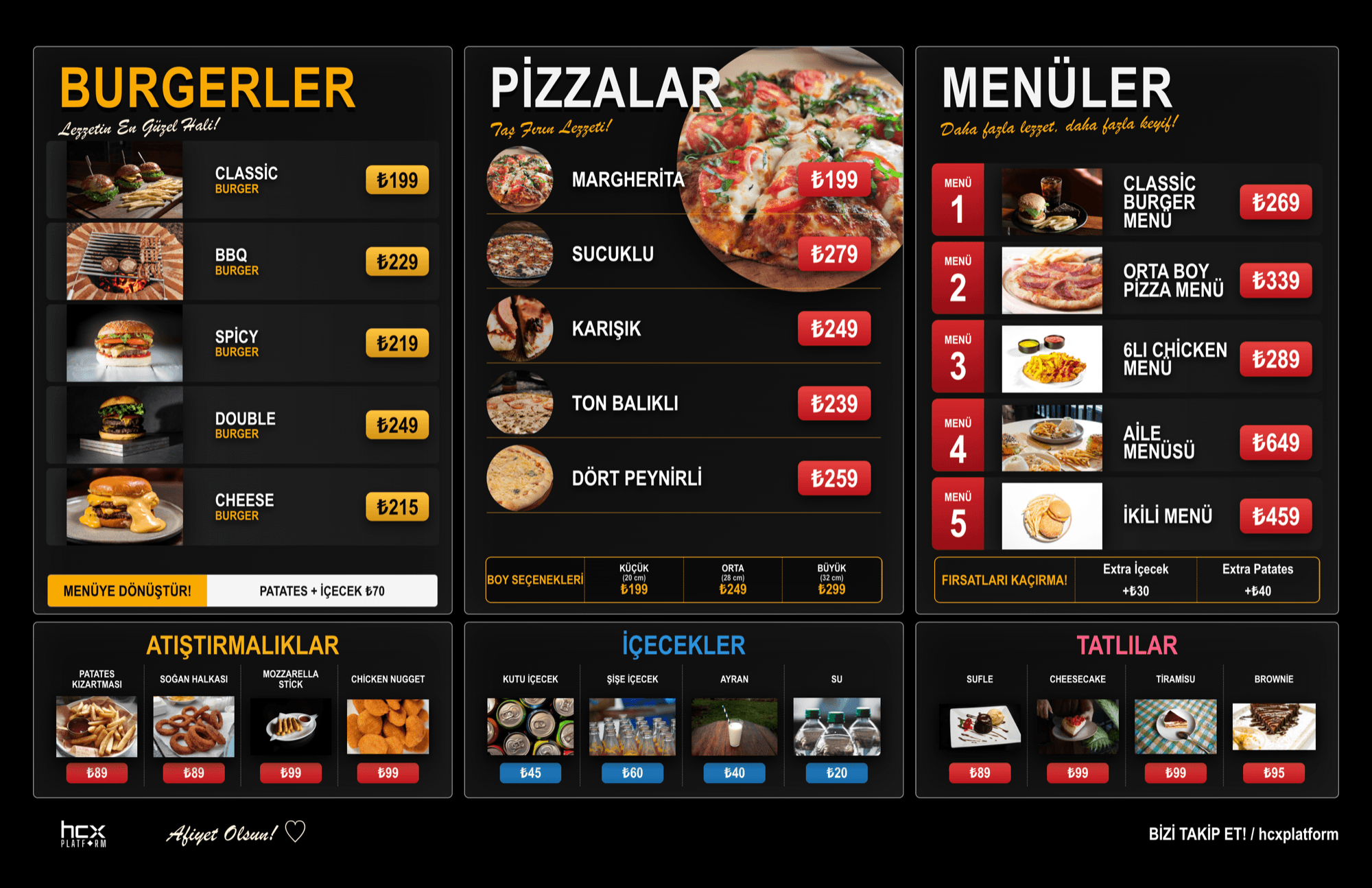
The same HCX InfoTV content is managed from one panel across portrait/totem screens in the lobby and landscape screens in areas like restaurants and bars.
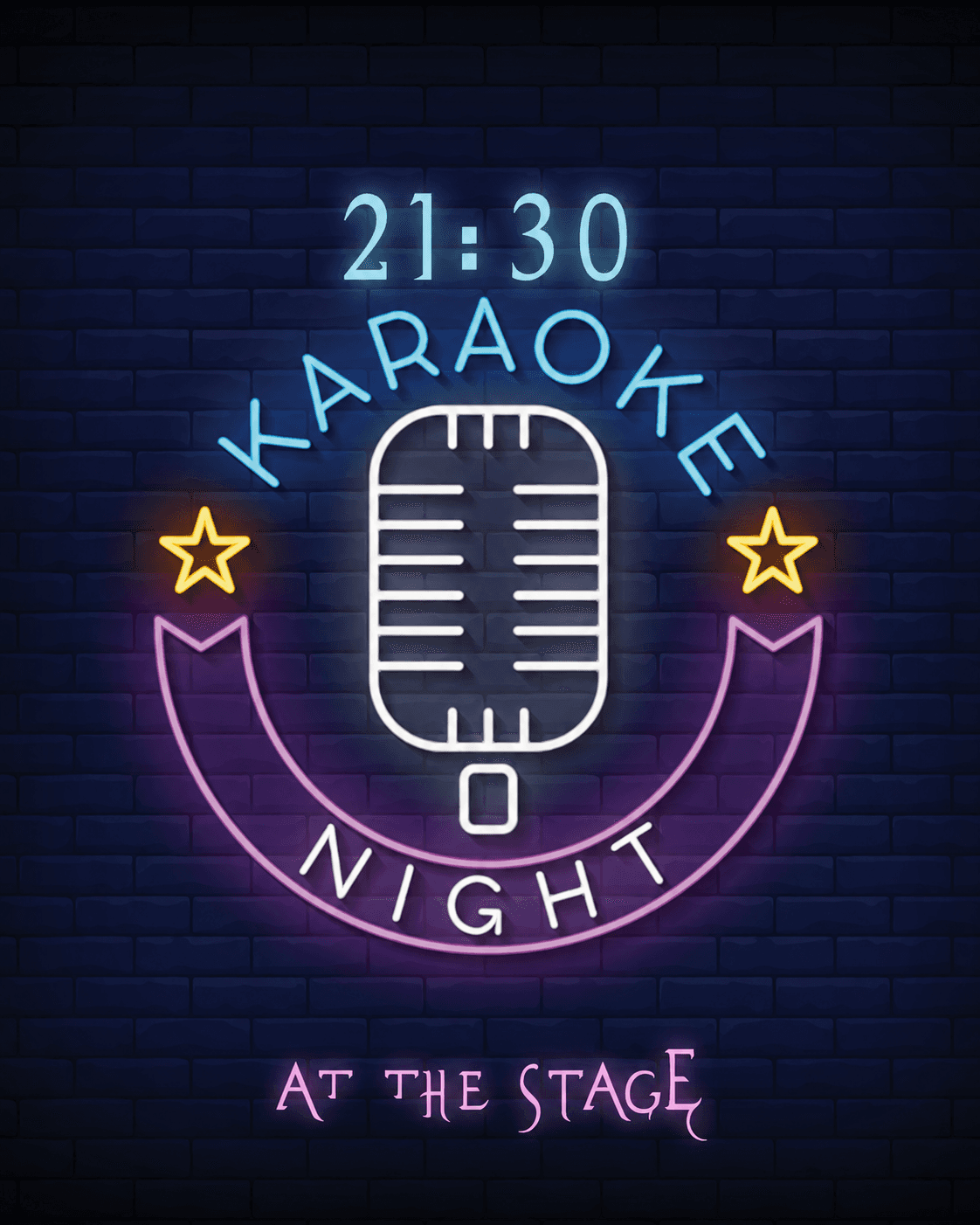
Portrait screen
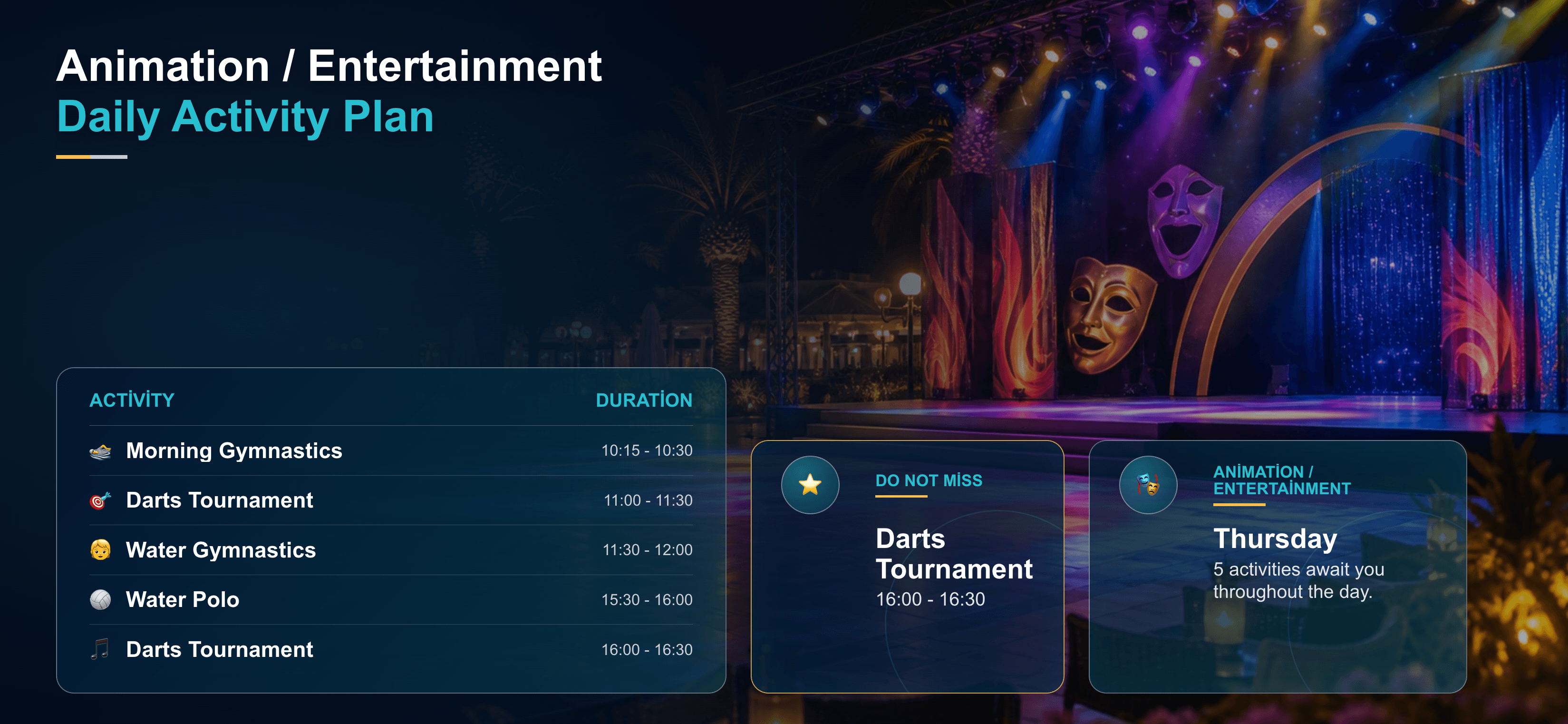
Landscape screen
Digital screen management
Prepare screen content in the panel and publish it to locations from one center.
HCX InfoTV brings shared-area screens, custom page designs, animation shows, slide broadcasts, restaurant menus, meal times, and wayfinding content into one management panel. Screens are grouped by location and published with daily, weekly, or seasonal loops.
Key Benefits
- Manage menus, announcements, campaigns, and wayfinding content from one panel
- Publish custom page, animation show, and slide designs centrally
- Plan screen flow ahead of time with weekly broadcast loops
- Central publishing with multi-screen and multi-location support
- Scheduled publishing to show the right message at the right time
- Push emergency announcements instantly to every screen
- See live online status with device tracking
Features
Content types
- Menu publishing
- Meal times
- Custom page designs
- Animation shows
- Slide designs
- Announcements
- Campaigns
- Welcome messages
- Event schedules
- Meeting room wayfinding
- Emergency announcements
- Corporate announcements
- Promotional videos
- Advertising and promotional content
Broadcast scheduling
- Centralized screen management
- Multi-screen support
- Remote content management
- Location-based screen management
- Instant publish updates
- Scheduled publishing
- Weekly broadcast loops
- Day/time-based content sequencing
- Seasonal campaign flows
Design and tracking
- Corporate design support
- Screen templates
- Animated templates
- Slide flow design
- Device tracking
- Online device status
How It Works
- 1
Content (custom pages, animation shows, slides, menus, announcements, campaigns, wayfinding, etc.) is prepared from the central panel.
- 2
Screens are grouped by location and content is assigned to the relevant screens remotely.
- 3
Broadcasts can be updated instantly or planned as daily, weekly, or seasonal loops.
- 4
Device online status is tracked, and emergency announcements can be pushed to every screen instantly when needed.
Use Cases
- Hotel lobby screen
- Restaurant meal-times screen
- Cafe menu
- Bar menu
- Spa campaign screen
- Meeting room wayfinding
- Event announcements
- Emergency information screen
- Animated promotional show
- Weekly screen broadcast flow
Target Sectors
Frequently Asked Questions
What content types does Info TV support?
It supports many content types including menus, meal times, announcements, campaigns, welcome messages, event schedules, wayfinding, and corporate announcements.
Is the username shown in the panel real?
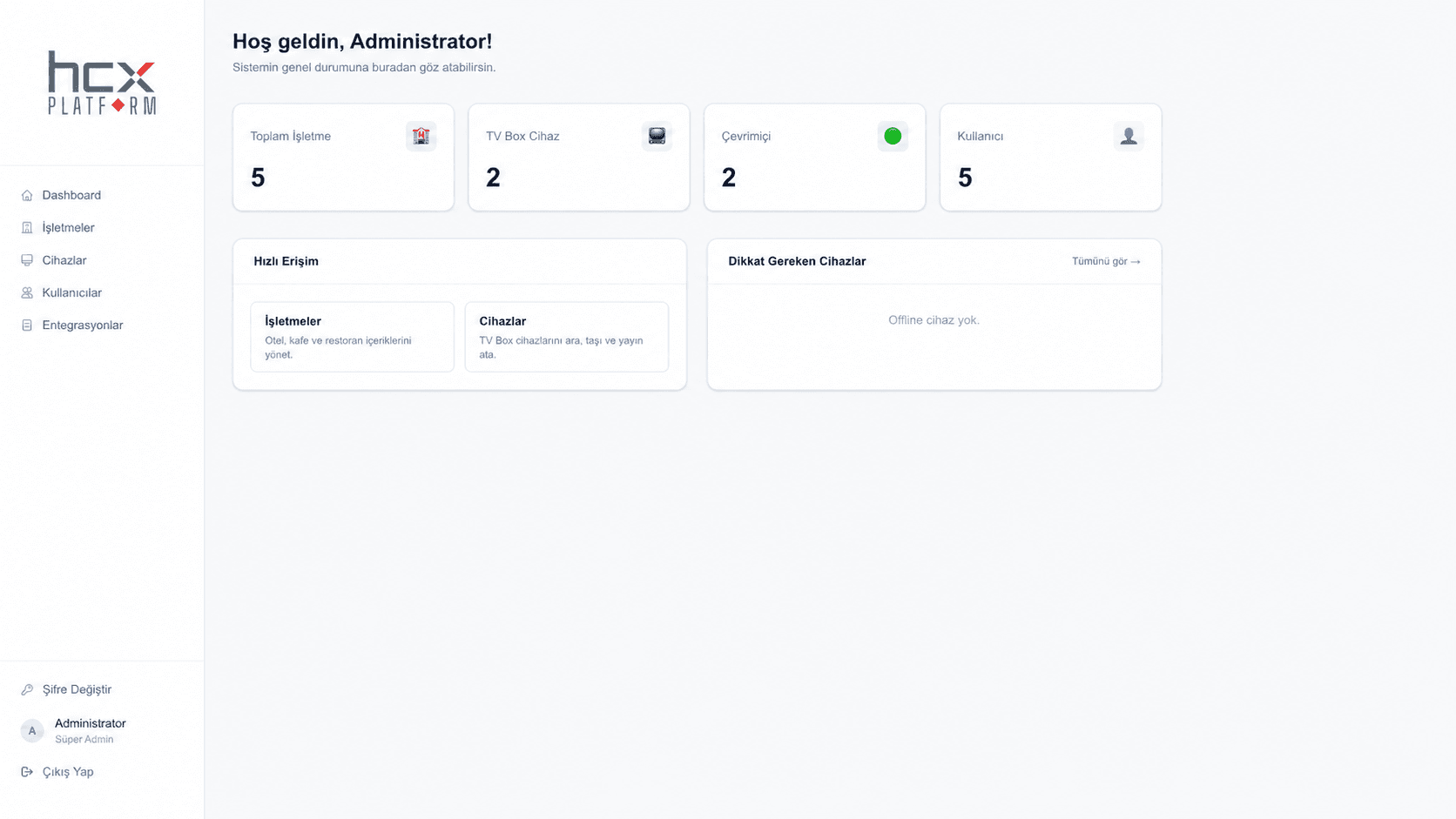
No. The personal username has been anonymized to "Administrator" prior to publication.
Can content be scheduled?
Yes. Broadcasts can be updated instantly or planned as daily, weekly, or seasonal loops.
Can custom design and animated broadcasts be created?
Yes. Info TV can publish custom page designs, animation shows, and slide designs to screens.
Is multi-location support available?
Yes. Screens can be grouped by location and managed centrally.
How is device status tracked?
The online/offline status of screens can be monitored live from the panel.
Get a Quote for This Product
Contact our team with any questions, or request a proposal tailored to your business.